


My client asked how to attach the Price Range indicator to his trading robot. Indeed, this allows the use of different Stop Loss and Take Profit values, as well as a variety of trading logic.
If you’re new to this powerful indicator, you can read more about it here: Price Range Indicator – Stay up to date with price movements.
You can also read all about using this indicator effectively here: Trading strategies for the “Price Range MT5” indicator.
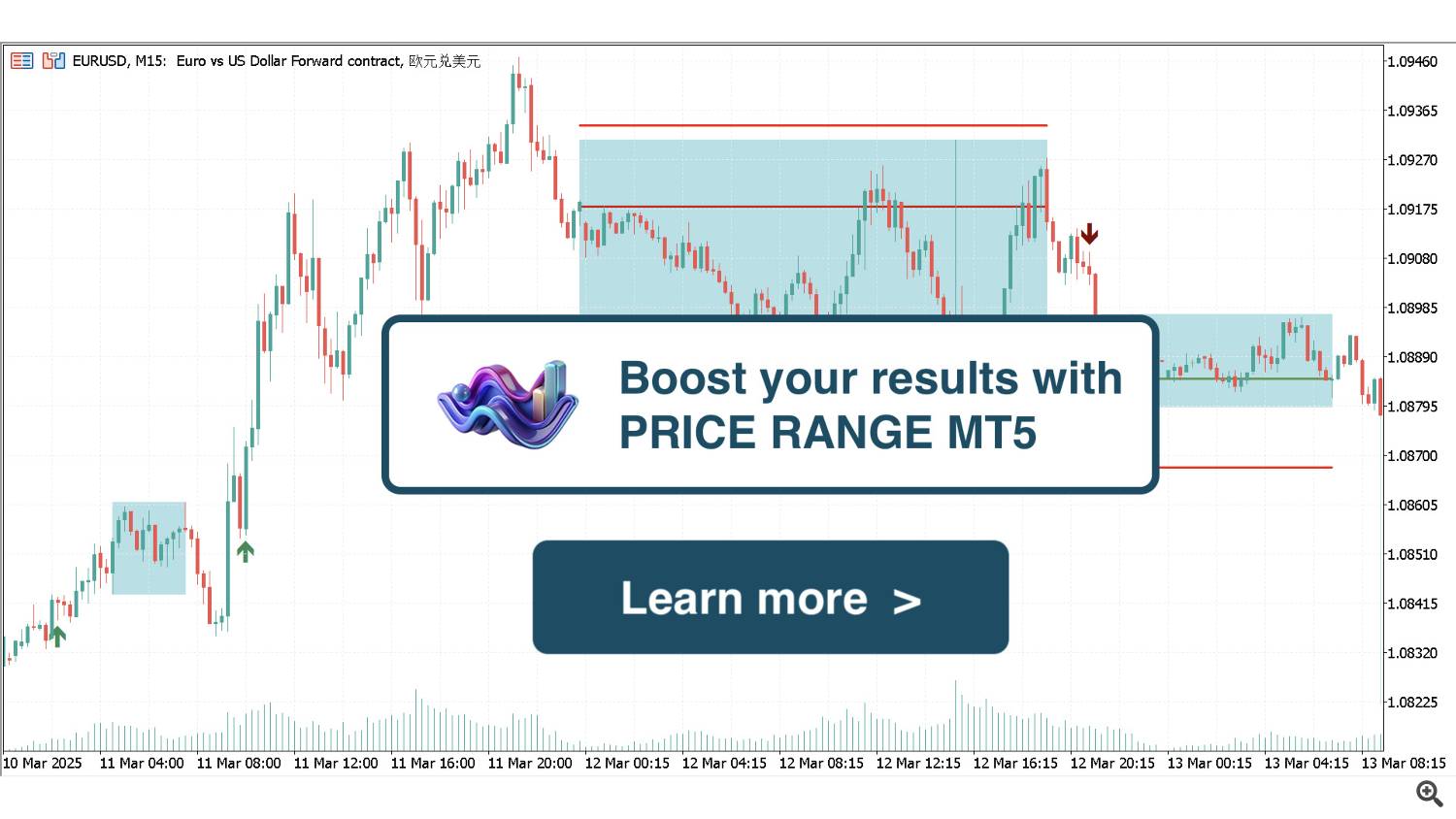
Let’s get back to attaching this indicator to your trading robot.
Here’s a brief guide on how to attach the Price Range indicator to your trading robot
1. Place the Price Range indicator in the same folder as your robot.
2. When receiving the indicator handle via the iCustom function, specify the exact name of the indicator file (without “.ex5“):
indiHandle = iCustom(_Symbol, _Period, “Price Range MT5”);
3. In the case of a buy signal, the buffer contains the current bar’s low price. Similarly, in the case of a sell signal, the buffer contains the current bar’s high price. Therefore, we need to check whether the number in the buffer is equal to these prices. Since these are double numbers, they cannot be compared exactly; we need to use epsilon.
4. Get prices from the chart. We need the Low and High prices of the same bar from which we took the signal (the first bar):
double barLow = iLow(_Symbol, _Period, 1);
double barHigh = iHigh(_Symbol, _Period, 1);
5. Set accuracy (epsilon). Let’s use _Point – the size of one point (e.g., 0.00001). We consider numbers equal if the difference between them is less than half a point.
double epsilon = _Point * 0.5;
6. Get data from the first bar (previous closed):
if (CopyBuffer(indiHandle, 0, 1, 1, bufferBuy) < 0 || CopyBuffer(indiHandle, 1, 1, 1, bufferSell) < 0) {
return;
}
7. Prepare values for checking the signal:
double buyValue = bufferBuy[0];
double sellValue = bufferSell[0];
8. Check buy (UpTrend). The indicator writes Low[i] to the buffer. Checking:
A) The value is not empty (< DBL_MAX),
B) The value in the buffer is almost equal to the Low price.
bool isBuySignal = (buyValue < DBL_MAX) && (MathAbs(buyValue - barLow) < epsilon);
9. Check sell (DownTrend). The indicator writes High[i] to the buffer. Checking:
A) The value is not empty (< DBL_MAX),
B) The value in the buffer is almost equal to the High price.
bool isSellSignal = (sellValue < DBL_MAX) && (MathAbs(sellValue - barHigh) < epsilon);
That’s it!
You can use the Price Range indicator without attaching it to your trading robot
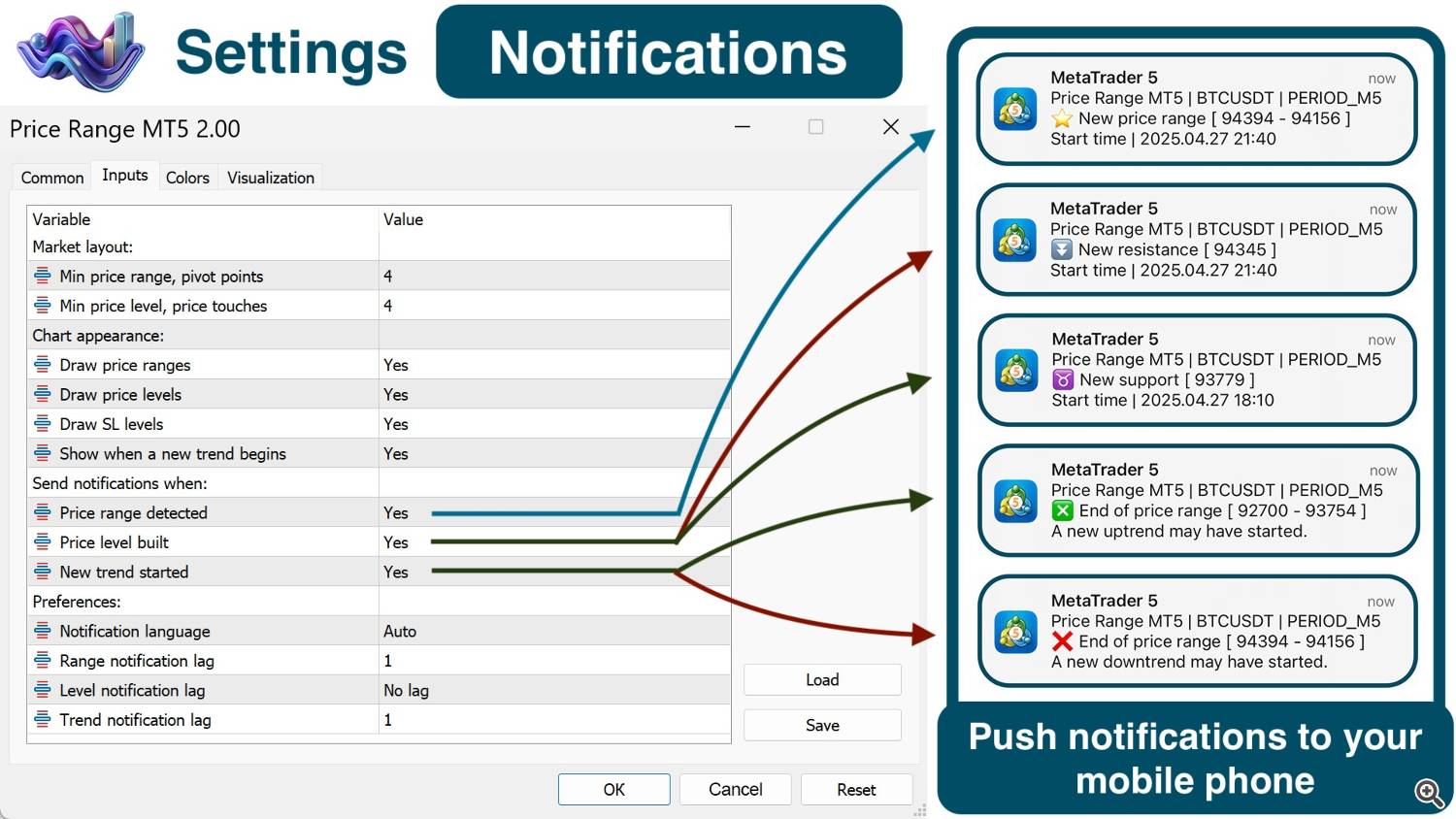
Don’t forget that the Price Range indicator has a very convenient, customizable notification system for new trends, support and resistance levels, and price ranges on any trading symbol and timeframe.
Good luck with your trading!
Vladimir Toropov